What's the Deal with CRTs?
Updated 05/01/26 - Added Dell E773C
A month or two ago I became interested in CRTs. I knew of one sitting outside at a neighbor’s house but gave it no thought. I jokingly said “I bet it still works” to my wife, which she vehemently disagreed with. I brought it in from the brisk weather, plugged it in and sure enough - it turned on! The volume down button did not work but it had no issue playing Diddy Kong Racing for the N64.
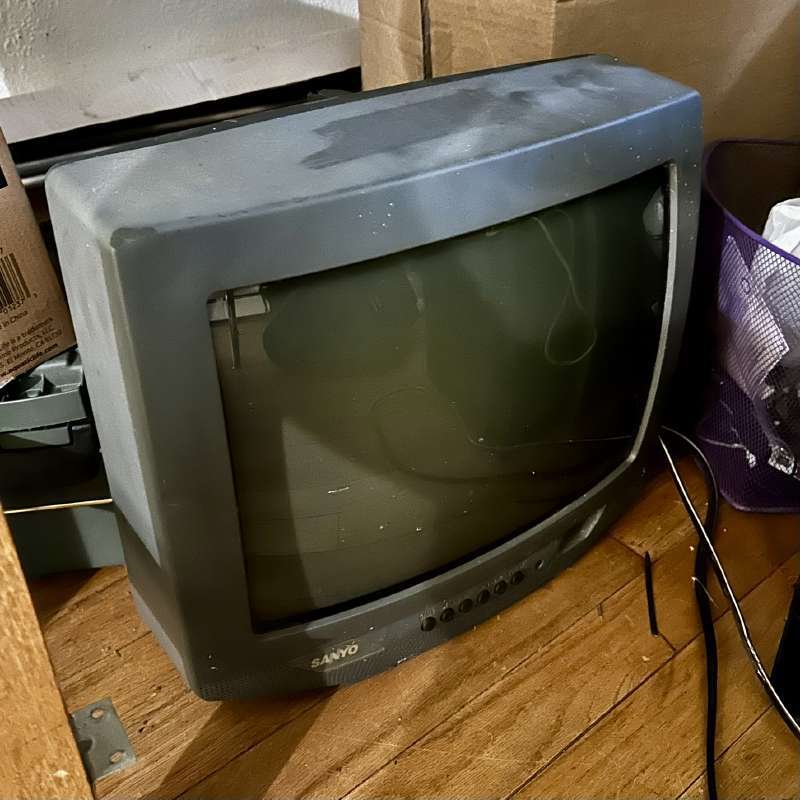
This experience made me wonder how many other CRTs I have passed by which would function completely fine if only someone wanted them.
Not sure why you should care? Check out this video.
Types of CRTs detour
From a practical perspective, these TVs are inconvenient for normal people to use because of their video inputs. In short, the inputs you will see on a TV, from worst to best, are: RF/Coax, composite (yellow white red,) S-Video (large circular connector,) and component (red blue green.) These are other connectors, even HDMI on really late CRTs, but these are the basics. Composite is most common and acceptable as the Wii can output it, with S-Video being a step up but slightly less common and then RGB as “rare,” offering the best video quality. Sets that are RF-only are the least useful and sets with S-Video or RGB are the most sought after.
Some CRTs can be modded to take RGB or S-Video inputs. This depends mostly on documentation (has someone done it before on the same/similar PCB?) component choice (does the TV have a microcontroller and a jungle chip or just one chip?) and electrical support. If the set is a “hot chassis” additional care must be taken to not create a fire hazard as certain parts of the TV frame can be electrically live at AC line voltage. Thankfully, later CRTs and most with composite inputs are not hot chassis.
Motive
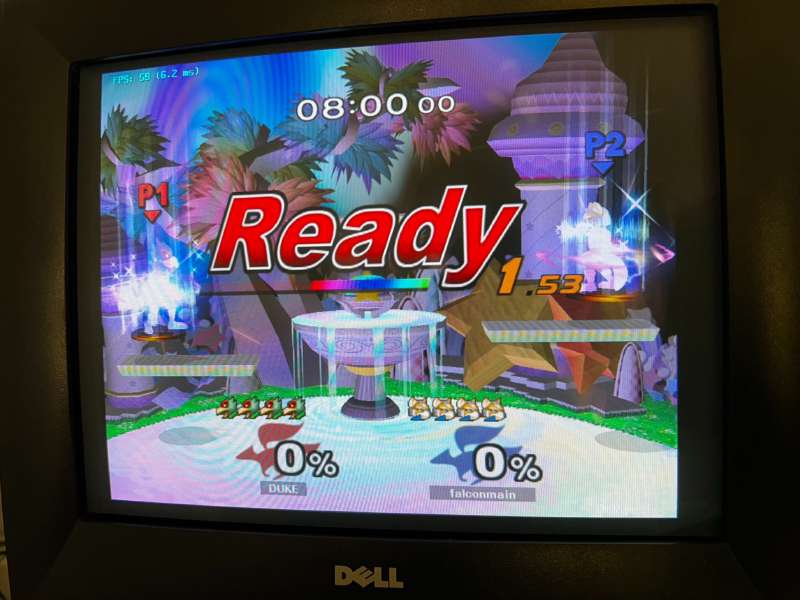
Because of the unique way that CRTs generate a picture, old videogames will look better on them. Artists created the sprites with CRT image blending and softness in mind. CRTs have certain advantages in motion clarity and responsiveness that were unique until recently with the advent of high-end OLED monitors. Most Smash Bros. Melee players use CRTs for in-person tournaments due to the gamecube not having digital output and also CRTs offering the best experience for a fast, twitchy fighter where frames count.
Back to the story…
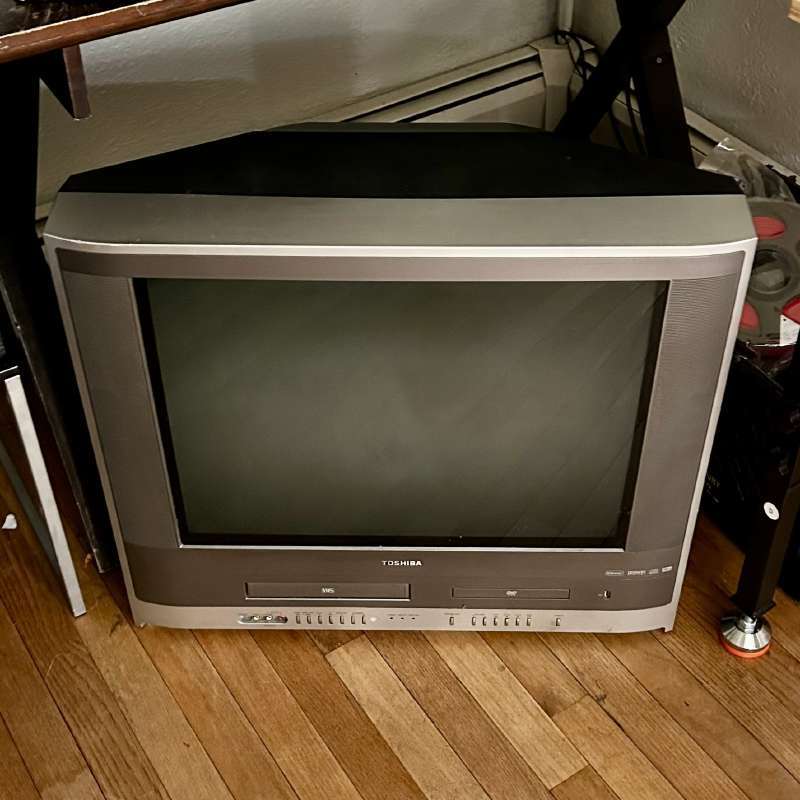
The second one I found was a large Toshiba with built-in DVD and VCR playback functionality. This one was not far from my house, on the curb. No remote. I believe most or all of the buttons work on it but there is an issue with the vertical deflection circuit, specifically “vertical foldover.” I’m not the expert on CRT logic and schematics but I can tell you this is a known issue with Toshibas and happens because of a small capacitor failure. I have yet to order this capacitor because I’m cheap and lazy but I will repair it eventually (tm)
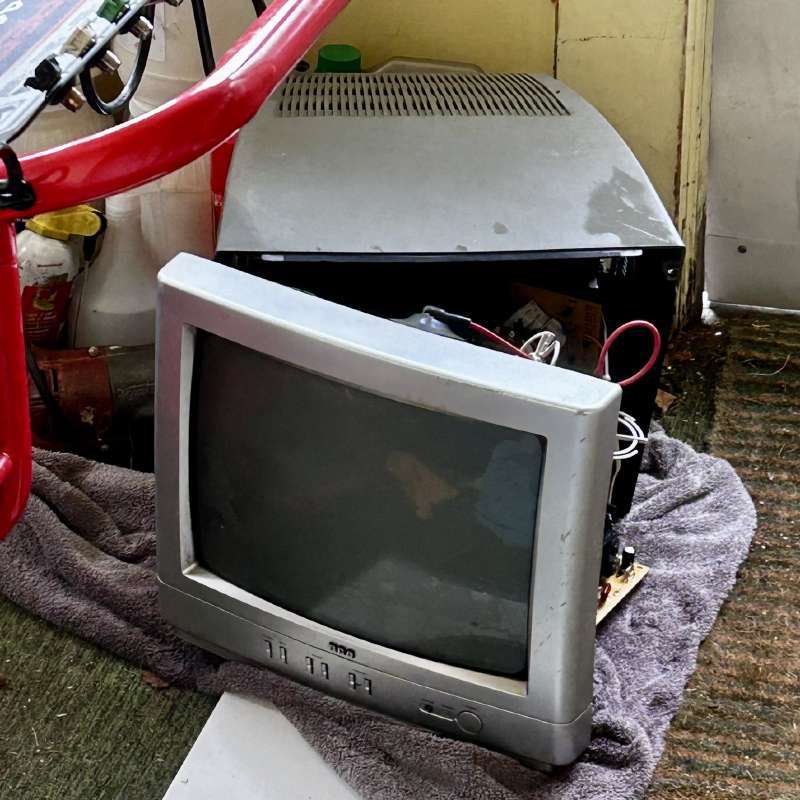
After that, I found two small CRTs behind an old flea market. They were in the roughest condition, being damp, scratched and with rusty tuners. I only took one of them. This is the only CRT I have that does not function. The microcontroller does but there’s something wrong with either the high voltage electronics or the general power supply circuitry. I have the HOT (horizontal output transistor) de-soldered, I believe it is bad. However, if it has failed, surrounding capacitors likely need to be replaced and I don’t have the tool to properly test capacitors right now. Nor the schematics for the boards, which makes it more annoying. I will try again with this one at another time.
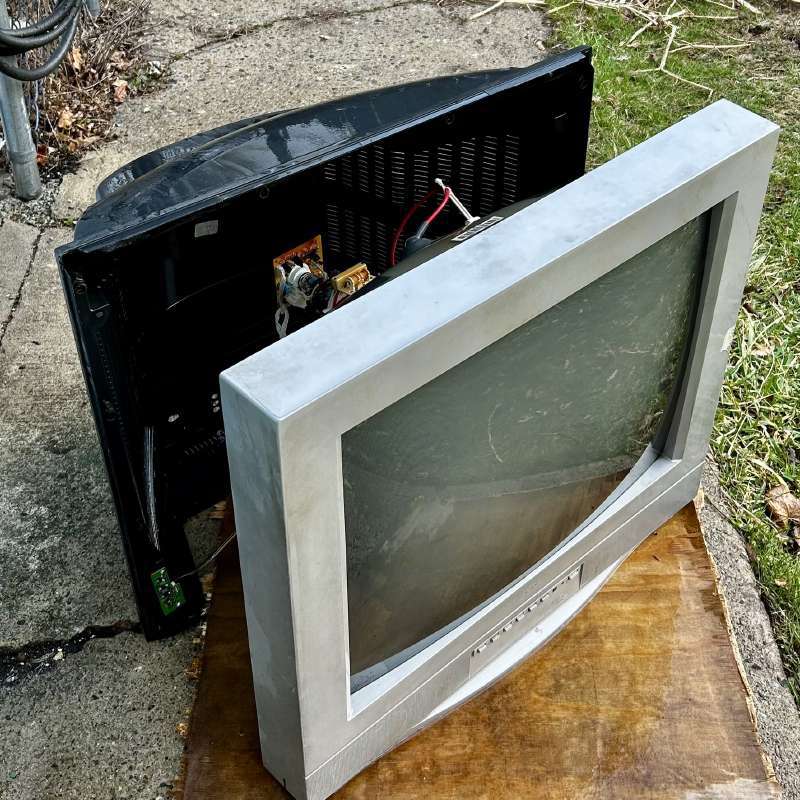
A while later, while working, I pulled off to the side of the road to grab a large silver RCA TV. This was one resting on its face in mud. It is actually not that rusty! and works. There are two issues, the first is what appears to be an issue with the vertical blanking. There’s a single line along the very top of the image which is dark. This set has at least one known-bad capacitor (I can see it is swollen) and the whole board needs solder reflowed as it doesn’t boot up 100% of the time unless you wack it or flex the PCB a little. Interestingly, this one has S-Video input, which none of my other CRTs have.
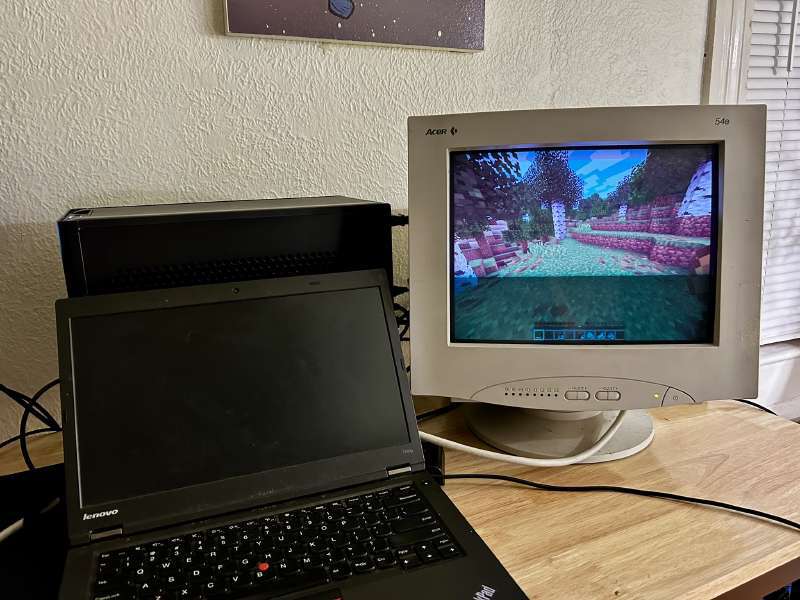
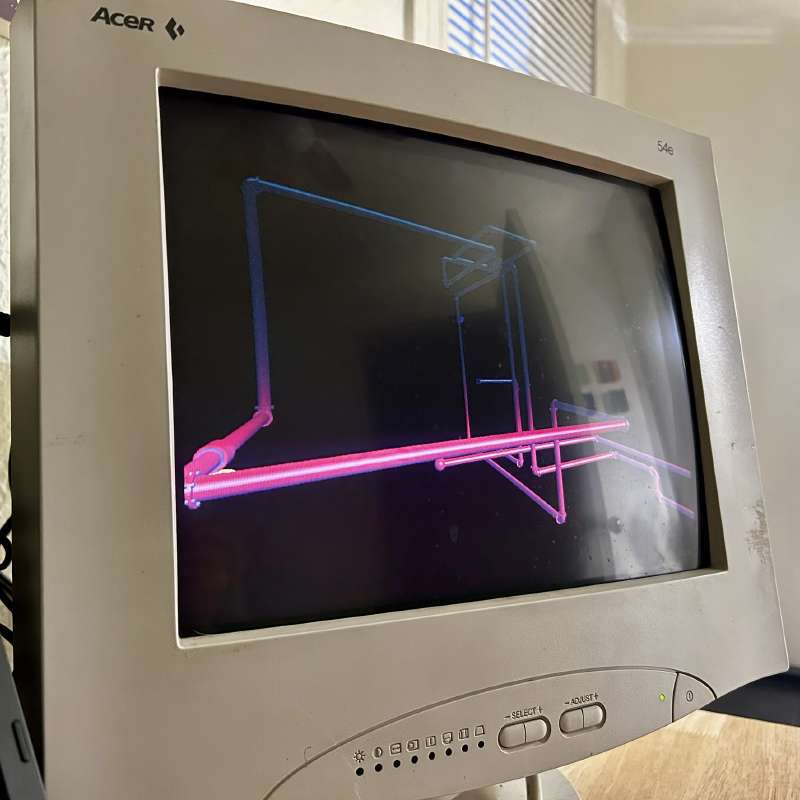
Next, I found my first CRT monitor. This was the holy grail for me as it is something I can actually use day to day with VGA input. This is a pretty basic office-tier unit with a smallish tube, limited resolutions and refresh rates. Only at the lowest resolutions can it go above 60hz so its usefulness for gaming vs a random 120hz LED panel is questionable. But I was very happy when I found and bought it off a Facebook marketplace user for $30 down from $55. I later sent him more money as he gave me one that was less yellowed and was in overall very good condition.
My desktop does not have any VGA outputs. It did, on the motherboard, but the new ITX motherboard I just installed does not have any. So for a while I was connecting this monitor to my T440p thinkpad with VGA output. Not a great experience as even with a 4-core upgraded CPU (I think 4700mq) it is still too slow for reliable Slippi play. More on VGA stuff later…
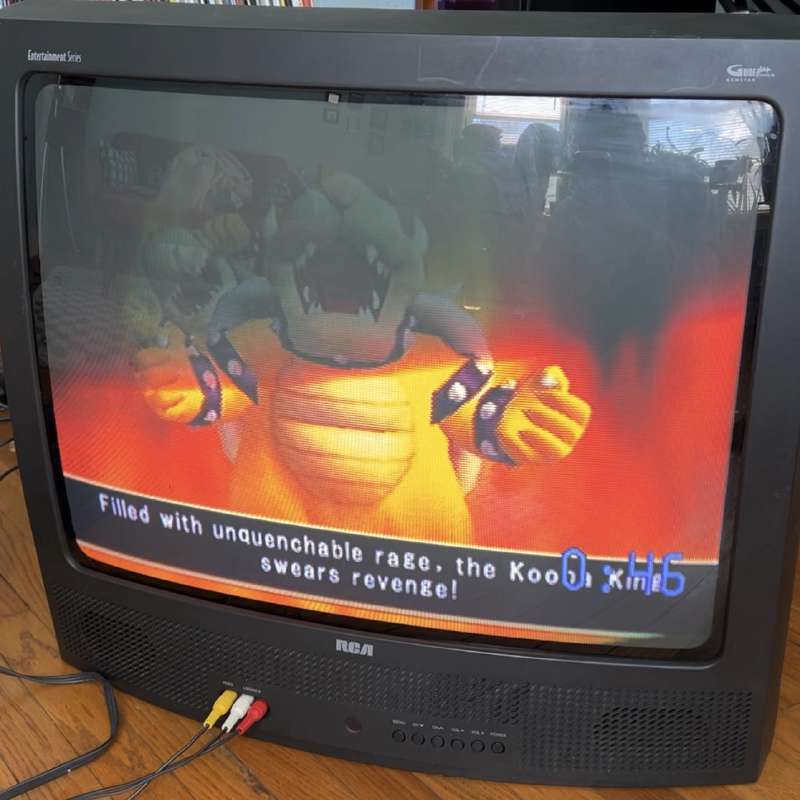
The next one I found on Facebook Marketplace was a large, dark and curvy “entertainment series” RCA. It was about 40 minutes away, given for free by a lady. It came with a mostly-functional remote and the original paper owner’s manual. This is my crown jewel of CRT TVs in every way except inputs. It only has composite and attempts to RGB mod this by the community have been met with poor results. Still, it looks quite stylish and the picture quality is acceptable. It was refreshing to have a CRT that was effectively brand-new and not rusty/covered in dirt. It does have two extremely fine scratches on the glass near the bottom left which I would like to polish off someday. A look through The CRT Collective indicates a wool pad on a hand drill and cereium oxide (idr the exact chemical look it up yourself) and a few hours should do the trick.
After this, I found someone giving away a KDS brand CRT monitor in the CRT Collective facebook group. They said free to someone in Northeast PA so I enthusiastically reached out and was able to meet him ~50 minutes away to pick this one up. This… is amazing. Great resolutions/refresh rates, great picture, great size, flat screen (some people like that) and it was free! I’m very happy with it. It works for Slippi perfectly.
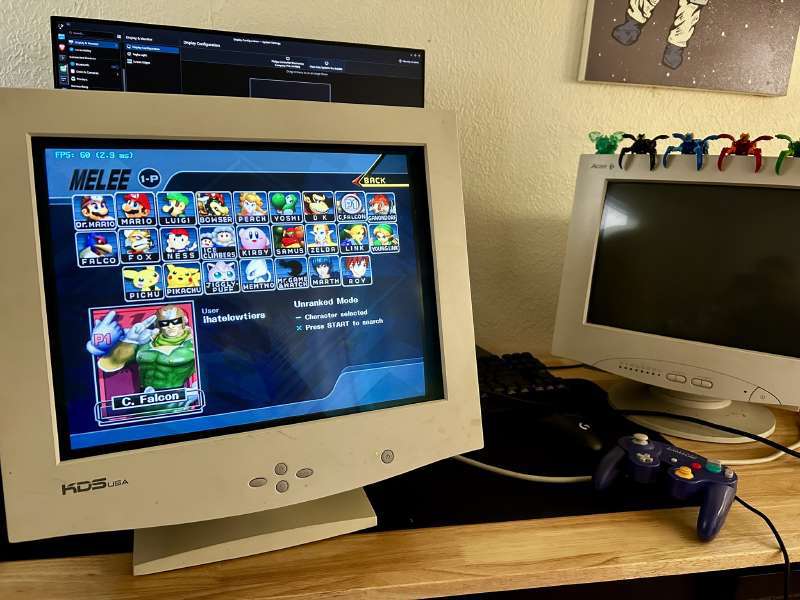
Oh yeah, as far as connecting it… I purchased a StarTech Displayport to HDMI/VGA adapter which was recommended by the CRT reddit and it works great. Even brightness controls are exposed to the OS. People have done testing and proven that this type of adapter from a reputable brand does not add appreciable lag, and certainly not any more than a modern graphics card with DVI-I or VGA output. Even those graphics cards, like the 980ti or R9 380 and friends, are doing a digital to analog conversion on the PCB. You have to go back to dinosaur cards to get true analog computation, so using an adapter is the best value.
Update… I picked this up a week or two ago. Dell E773C from a lady for $15. The picture and condition are great! The main issue is that it does not report many resolution/hz combinations. I don’t know why. All the stock resolutions top out at 60hz. If you’re on Windows you can use CRU to set up some custom resolutions, apparently. Linux world is more complicated and depends on if you run X11 or Wayland. As this won’t be a daily driver, I’m not going to bother.
That’s about it for now! I do have a few more misc thoughts and may update as time goes on. Those thoughts:
-
CRT lethality is greatly overstated. I zapped myself sticking a screwdriver under the anode cap and it stung a little but meh.
-
The pros do not needlessly discharge the high-voltage unless working on the high voltage part of the circuit. Really, it’s not going to magically jump out and kill you. Just don’t touch it carelessly.
-
CRT repair knowledge is in the hands of boomers and the books they wrote. All the zoomers on the internet are addicted to recapping (replacing capacitors) needlessly because they don’t know anything and they’re addicted to replacing stuff they haven’t even tested.
-
If you can find a service manual for a CRT you own, download it! It may have schematics and diagnostic info. Nearly essential for fixing extremely niche electrical issues related to microcontroller pin behavior.
-
Everyone wants Sony TVs. Sony CRTs are almost never a bad grab if you see one. Lower end consumer stuff, especially if damaged, is less valuable and less worth your time once you have 5 of them sitting in your house.
-
Always grab CRT monitors. They are more rare than CRT TVs and far more useful (IMO) to the modern world.
-
Make sure your CRT is completely dry before attempting to power on! I’m talking days. Preferably with the back off and a fan on it.